Made for the work before the ink.
Your art.Ready for skin.
Turn your reference into a tattoo-ready stencil. Keep the detail. Dial in the lines. Get back to the part only you can do.
Make your first stencilStart free. No credit card needed.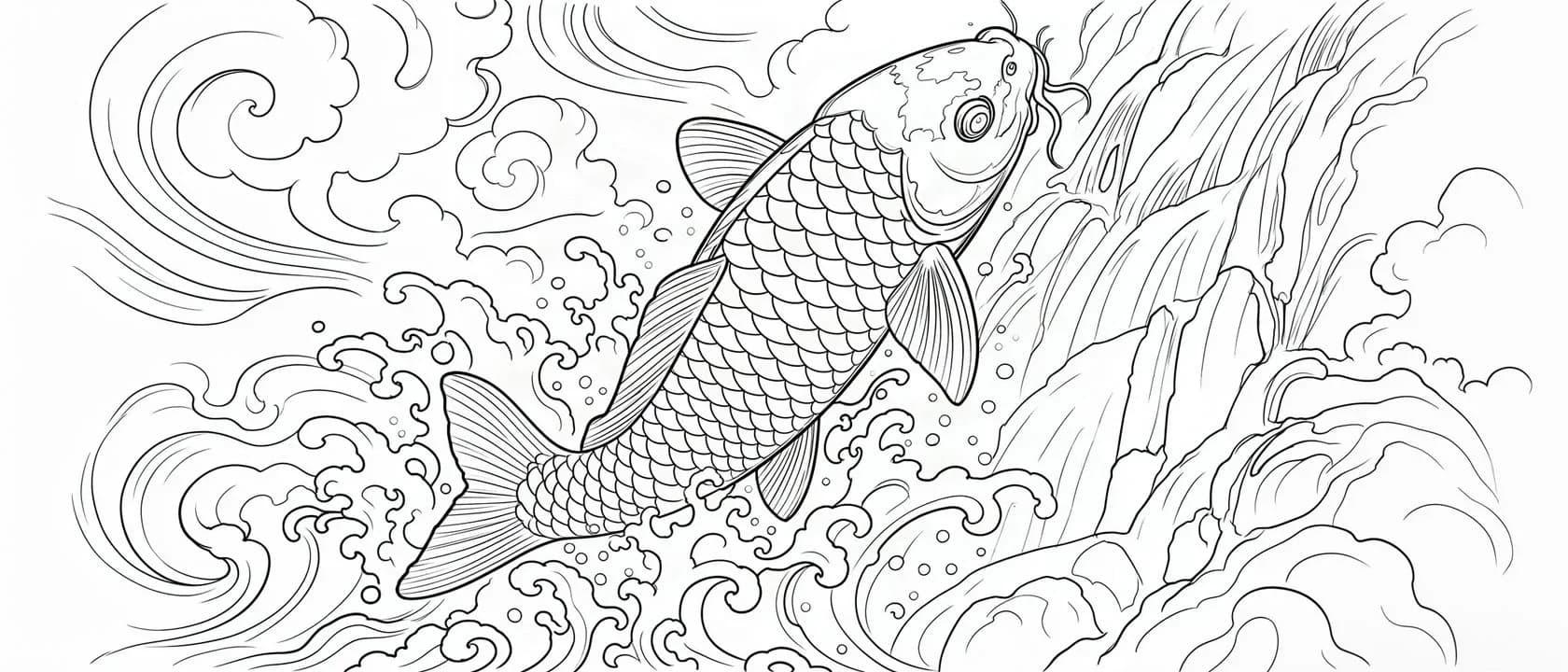
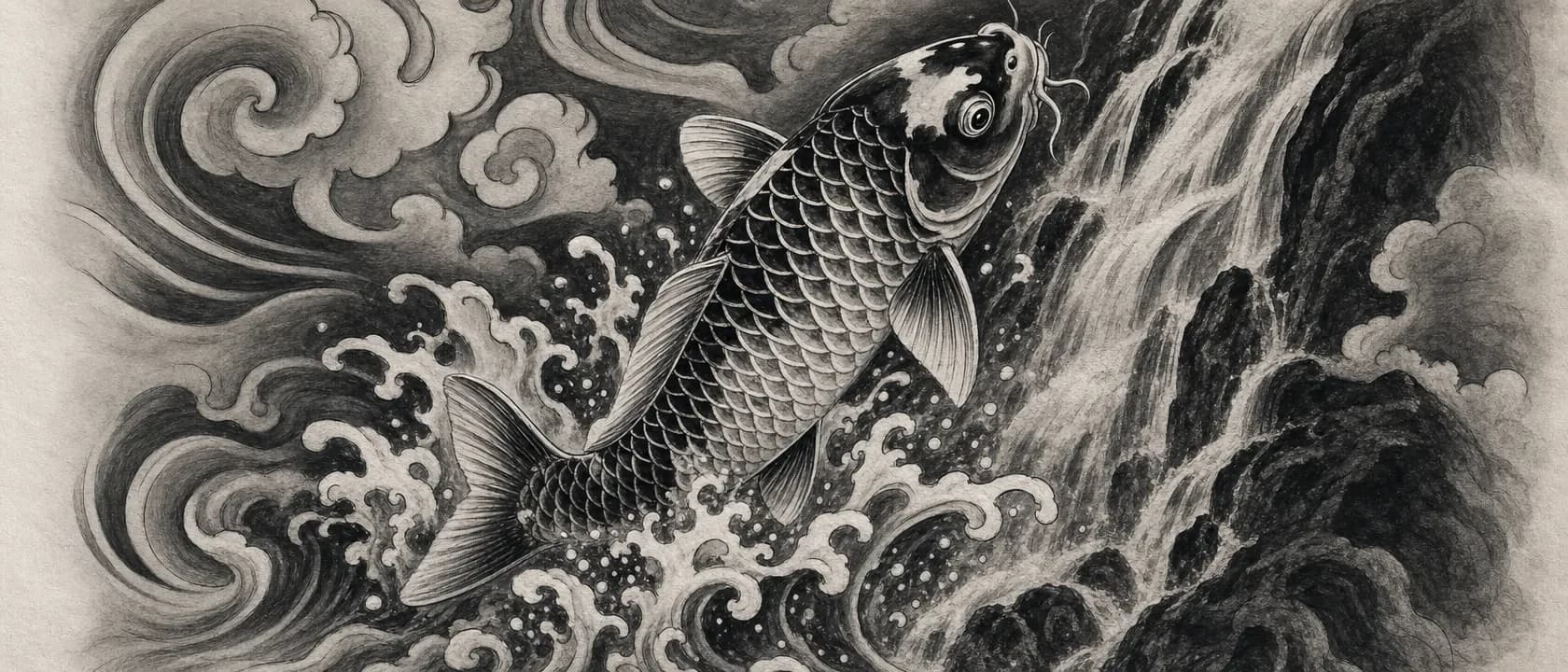
Less prep. More tattooing.
You bring the vision. We find the lines.
Built around the way tattoo artists actually work. From the first reference to the final transfer, you stay in control.
Bring your reference
Start with a photo, sketch, or finished design. Your next piece starts with what inspires you.
Find the linework
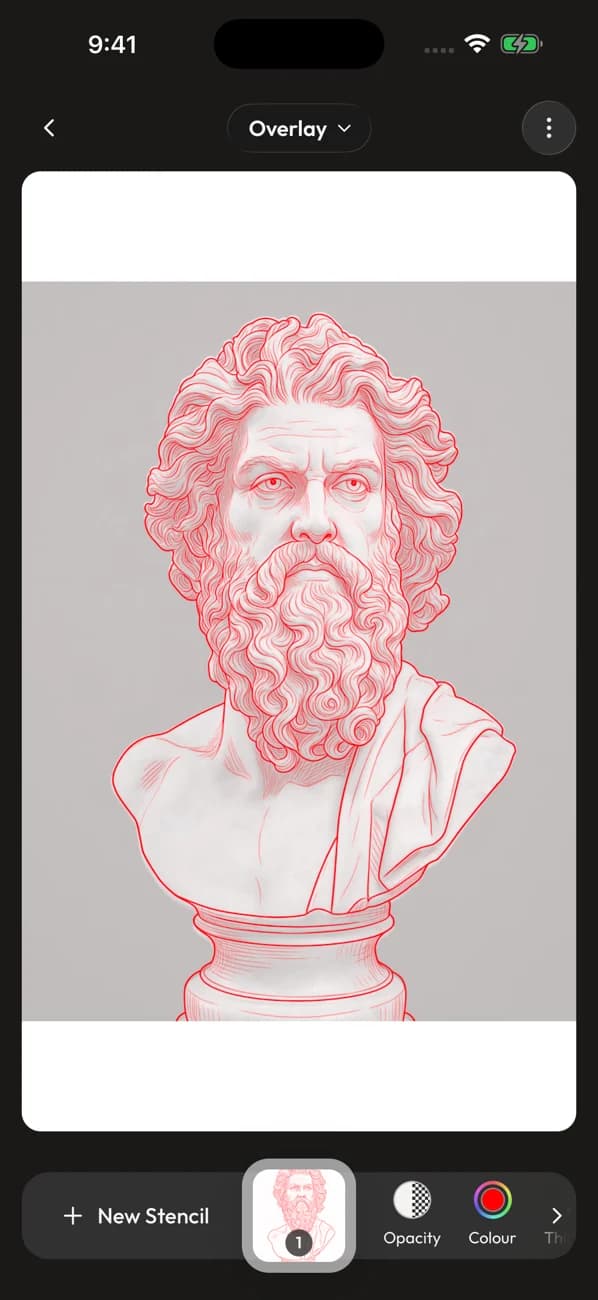
Generate with a model trained specifically for tattoo work. Turn shading and texture into a stencil you can work with.
Make it yours
Adjust line thickness, opacity, and color in the Studio. Save your stencil and bring it into your printing workflow.
Your shop. In your pocket.
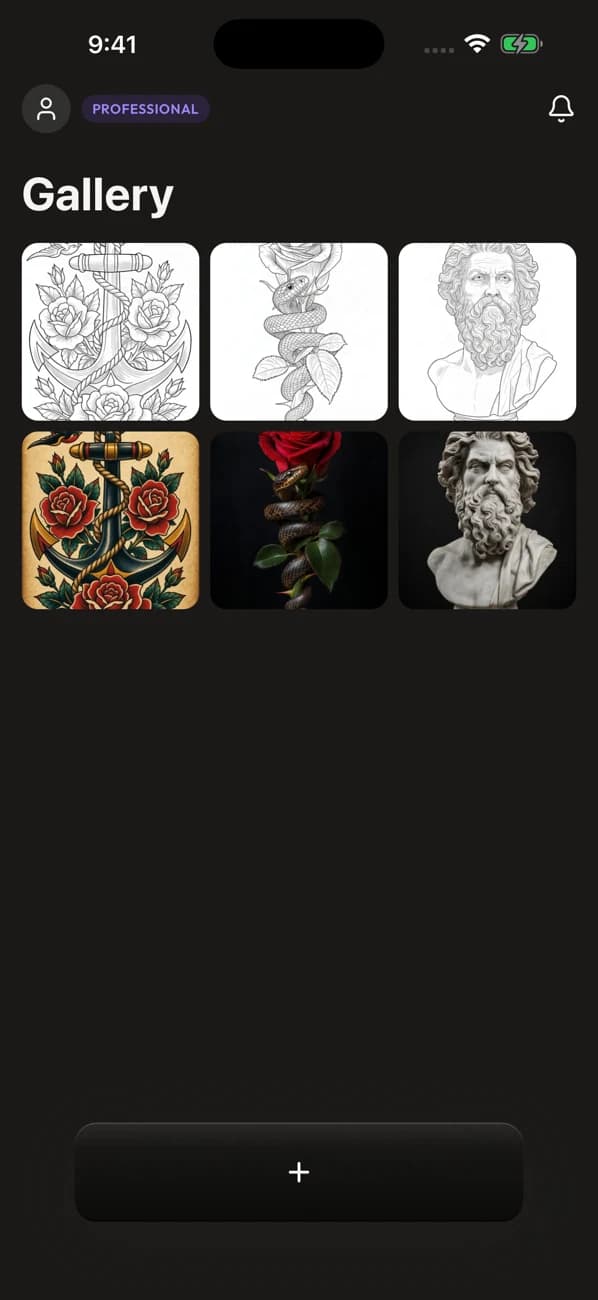
An idea at the coffee shop. A reference in the chair. Take your Studio with you, and pick up where you left off.
Download on the App StoreOr open the web StudioOne account. Your gallery, everywhere.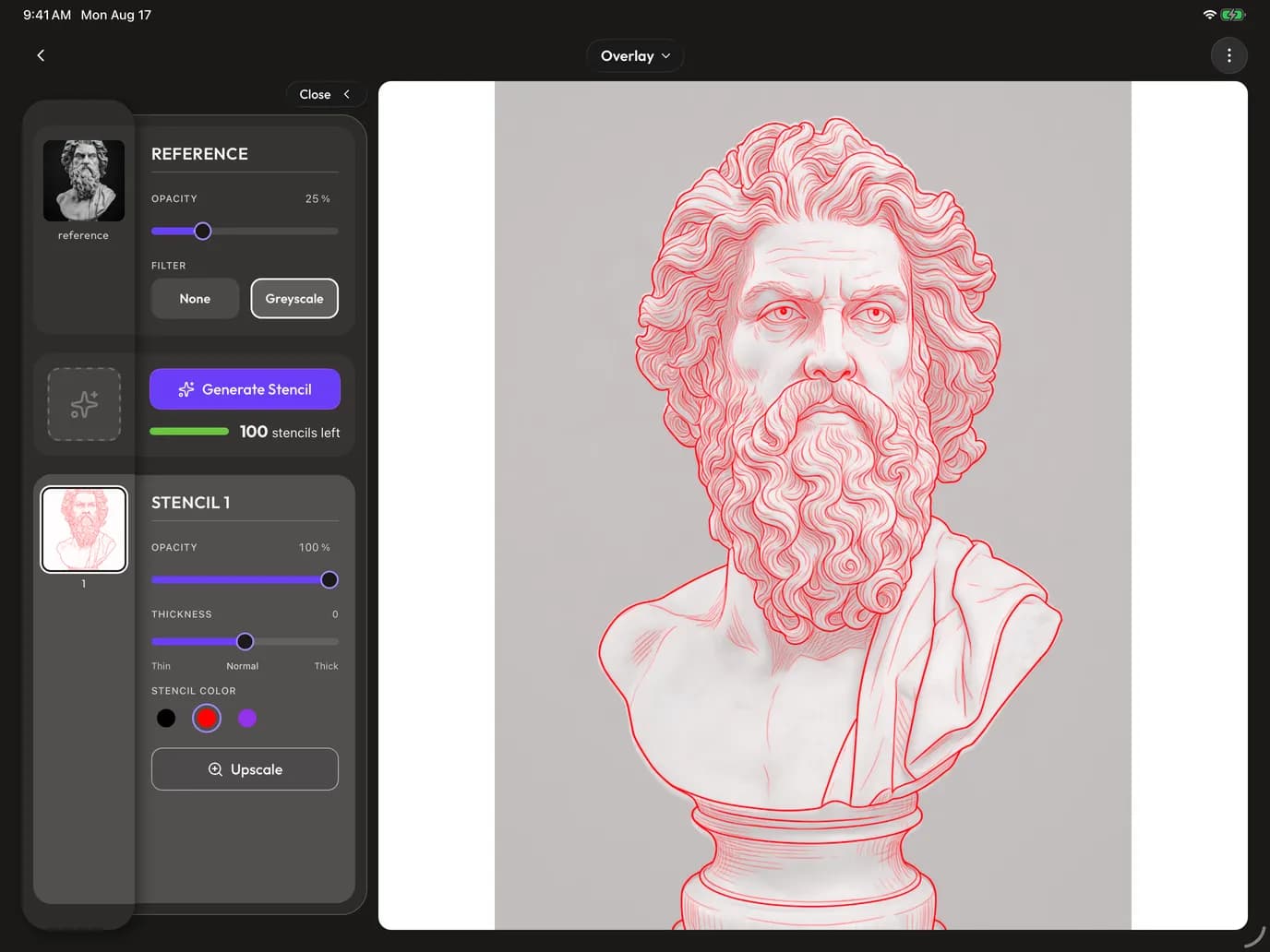
Room for your next piece.
Start free. Grow with your work.
Find your rhythm, then choose the room you need. These are our web plans.
Starter
Try it out, no strings attached
- 5 stencils per month
- 10 upscales per month
- 50MB storage
- Standard resolution
- Images kept for 30 days
- Basic adjustments
- PNG export
Professional
MOST POPULARFor working artists
- 100 stencils per month
- Unlimited upscales
- 1GB image storage
- Ultra-high resolution
- Images kept indefinitely
- Advanced controls
- All export formats
- Priority support
Studio
For shops and teams
- 400 stencils per month
- Unlimited upscales
- 5GB image storage
- Everything in Pro
A few useful answers
Before you get started.
Can I try it for free?
Yes. Create a free account and use your monthly stencil allowance. No credit card is required to start. Your current limits are shown in the plan details above.
How do I print my stencil?
Generate and refine your stencil in the Studio, then download it on web or save and share it on iOS. Open the result in your usual printer workflow and check the size before transferring.
Can I use the same account on web and iOS?
Yes. Sign in with your Line Ripper account on the web, iPhone, or iPad. Your saved artwork and stencils stay together in your gallery.
What kind of images can I use?
Bring a photo, sketch, or digital artwork. Clear references give you more useful linework. You can compare the result with your original and adjust it before exporting.
From the shop journal
Better references. Better stencils.
The next great piece starts with a line.
Bring your art. We’ll help you get it ready.
Make your first stencil