You searched "best free tattoo stencil maker," clicked the top result, and found a list of five tools where the site that wrote the list happens to be number one. The other four? Photoshop, GIMP, Canva, and "online converters." None of those were built for tattooing, and two of them cost money.
That's not a comparison. That's an ad with a table.
We build a stencil tool, so we're not neutral either. But we'll do the thing those lists won't: name the actual tattoo stencil apps, tell you what each free tier really gives you before it asks for a card, and point out the one feature that decides whether a stencil prints clean, the one most of these tools quietly leave out.
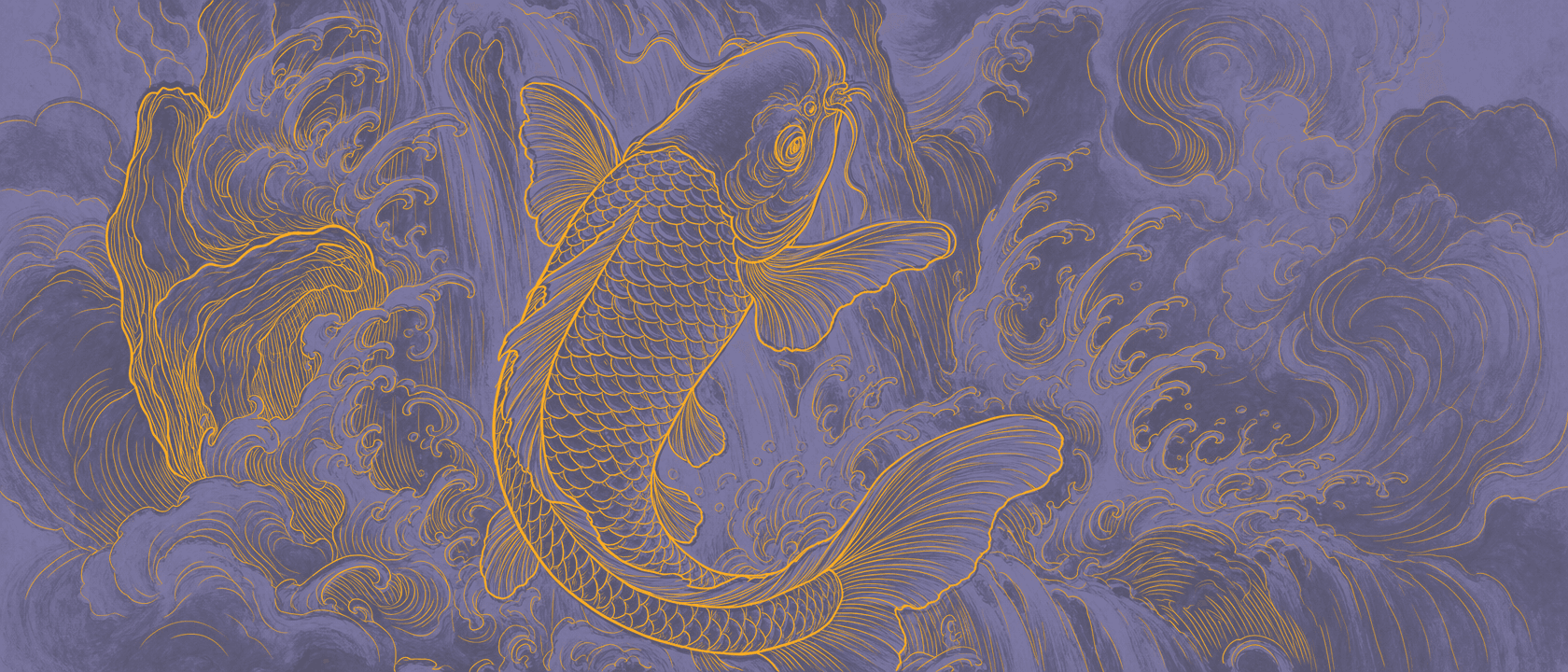
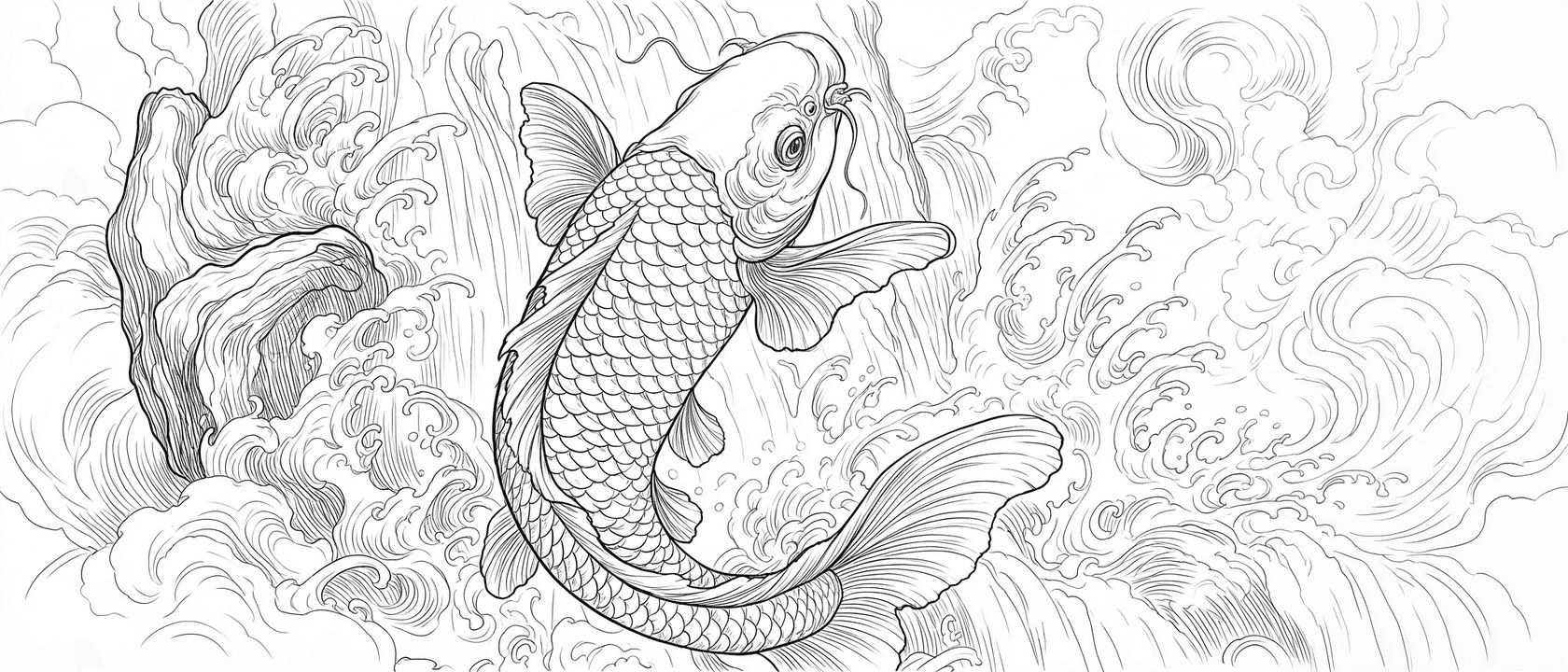
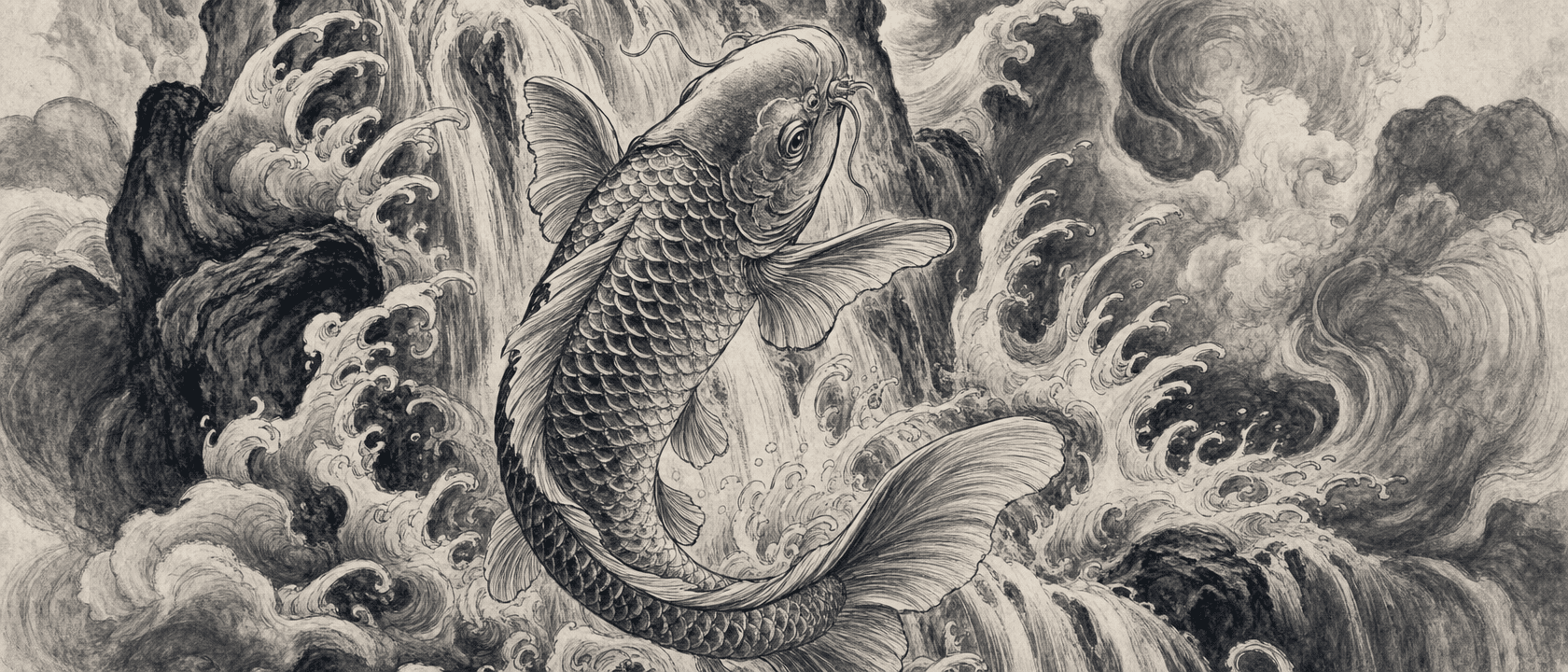
Before the table, here's the test that actually settles it, on one piece. Drag the handle, or let it sweep, to watch a source image become a transfer-ready stencil with the line weights kept where they belong: thick where it's bold, fine where it's delicate.
What "free" actually means here
"Free" is the most abused word in this category. It usually means one of three things, and they're not the same:
- Free to try — a handful of credits or a few stencils per day, then a paywall.
- Free with a catch — watermarks, low resolution, or your image used to train a model.
- Actually free, but hard — open-source tools like GIMP that cost nothing and ask for an hour of your time per stencil.
When you're comparing, the question isn't "is it free." It's "free until what?" Keep that in mind for everything below.
The real contenders (the ones built for tattoos)
Skip the generic photo editors. These are the apps a working artist would actually consider.
Purpose-built tattoo stencil apps convert your art with tattoo output in mind: clean lines, transfer-ready contrast, no background noise. Most run freemium. The honest free-tier limits look like this:
- A few free stencils per day or a small one-time credit pack, then a subscription or per-credit pricing.
- Some are iOS-only, so anyone at a desktop or working in a browser is locked out.
- Quality varies a lot. App-store reviews for the generic "stencil maker" apps complain that portrait and fine-line work "fell short." That's the gap, and it's real.
AI tattoo design generators are a different job. They invent new art from a prompt, then offer a stencil step as an add-on. Useful if you want ideas. Wrong tool if you already have a drawing and want your art transferred, not replaced.
Generic image-to-stencil tools (the big high-traffic sites) will turn any photo into a high-contrast outline. They're genuinely free and genuinely generic. No transfer workflow, no line-weight control, no idea they're making a tattoo. Fine for a quick look, thin for real work.
Below is the honest version of the table those listicles love, minus the part where we crown ourselves automatically.

What none of them want to compare: line weight
Here's the thing most "best free" lists skip, because most tools can't do it.
A geometric mandala needs hairline precision. An American traditional eagle needs bold, confident outlines. Script needs to match the exact stroke weight your client picked. Three pieces, three line weights. Almost every stencil converter flattens all of them to one thickness and hopes it transfers.
You know how that ends. The fine-line strokes come out chunky. The bold outlines come out thin. So you redraw, run test prints, and burn time that should go toward tattooing.
This is the part of the comparison that actually matters at the machine, and it's the part the self-ranking lists never measure.

Where Line Ripper fits (and where it doesn't)
We made Line Ripper because we wanted our art transferred cleanly, fast, without the tracing. It's free to start on the web, on whatever device you're holding, nothing to install, built on a model we trained specifically for tattoo work, with a line-weight slider so you set the thickness instead of accepting whatever the tool guessed.
Now the honest part. If you push the weight slider all the way to thin on already-fine source lines, some of them fade or drop out. There's a physical limit to how thin a line can print before a thermal printer can't reproduce it. We're working on smarter detection to preserve ultra-fine detail, but it's a hard problem, and right now very light source art does better with the slider closer to the middle. If your whole workflow is barely-there micro-realism, test it before you commit a client to it.
So which free tool should you use?
Honest answer: try a couple, on your own art, before you trust any of them with a client.
- If you mostly need quick outlines and don't care about transfer quality, a generic free tool is fine.
- If you want new tattoo ideas generated for you, an AI design app is the right call.
- If you have your own drawing or a client reference and want a clean, transfer-ready stencil with control over line weight, on whatever device you're holding, that's the gap we built Line Ripper to fill.
Start free, run your hardest piece through it, and judge it on the print. That's the only test that counts.