The stencil looked perfect on the paper. You shaved the arm, wiped it down, laid the transfer, peeled it back. And half of it came up faint. The fine lines are patchy. A couple of them just aren't there.
So you do what everyone does. You search "tattoo stencil won't transfer." And every result tells you the same things: shave closer, clean with alcohol, let the skin dry, use a thinner layer of stencil gel, don't over-wipe. All of it is true. All of it is good advice.
And all of it is about the skin.
Nobody asks the other question: was that image ever going to transfer in the first place? Because half the stencils that fail were doomed before the thermal printer even ran. That half almost never gets talked about. So that's where we're going.
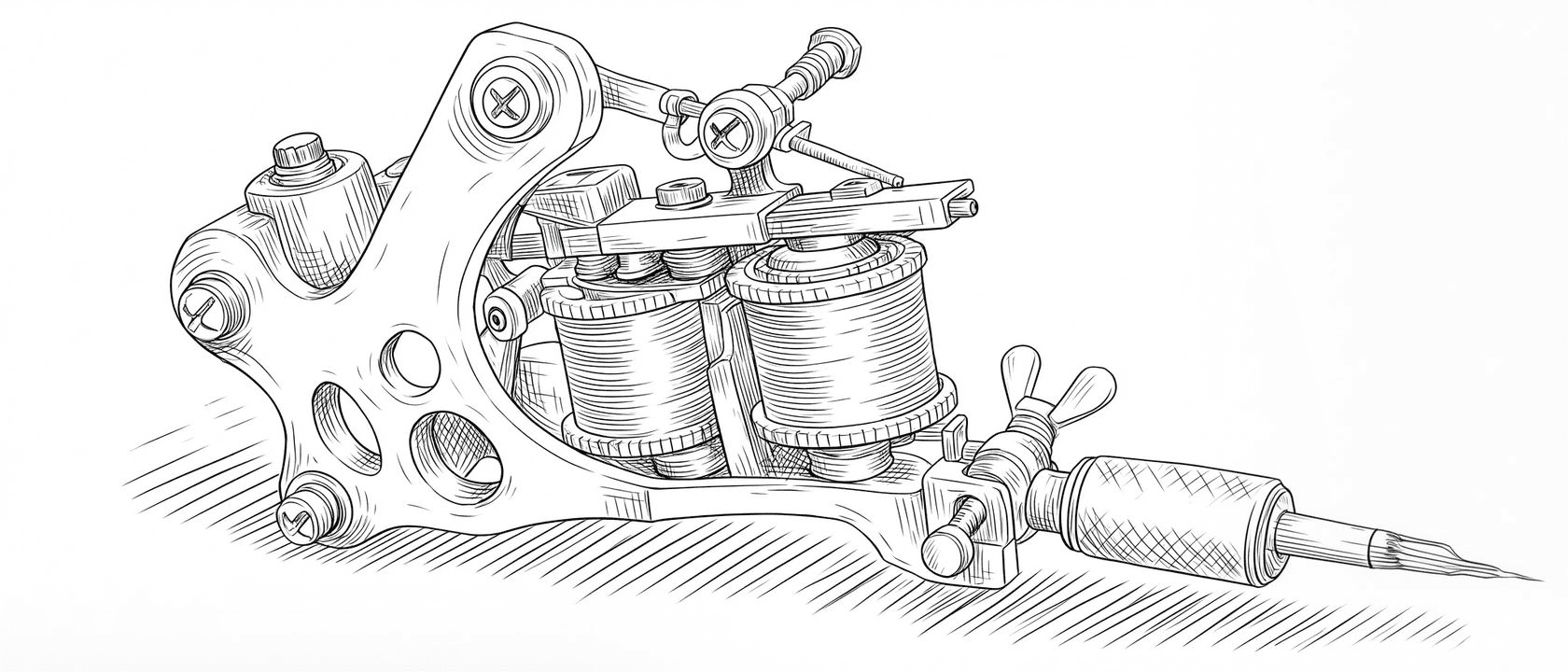
See the difference before we get into why. Drag the handle, or let it sweep, to watch a dark, low-contrast source become a stencil the thermal printer can actually hold: true black, hard edges, line weight kept where it matters.
What a thermal printer actually does
A thermal stencil printer is dumber than you think, and that's the whole problem.
It doesn't see your artwork the way your screen does. It can't render grey. It burns carbon onto the paper where the image is dark enough to cross a threshold, and it does nothing where the image isn't. There is no in-between. A line is either black enough to print solid or it's faint, broken, and weak on the skin.
So when a line that looks completely fine on your screen comes out thin and patchy on the transfer, the printer didn't malfunction. It read your file honestly. The line was never true black. It was 60% grey, or it had soft anti-aliased edges that faded into nothing, and the printer rendered exactly that: a soft, faint line.
Your skin prep can be flawless. If the file is grey, the transfer is grey.

The file decides before the skin gets a vote
Four things kill a stencil at the file stage, and you can spot all of them before you ever hit print.
Contrast that's secretly grey. This is the big one. A scan of a pencil drawing, a screenshot, a photo of a sketch on your desk. They look black to your eye, but the actual pixel values are full of mid-greys. The printer drops everything under its threshold. You lose the lightest lines and the rest comes out weak. Real black, hard edges, white background. That's what transfers.
Lines too thin to survive. A hairline that's one pixel wide at full resolution might be half a pixel by the time the printer resolves it, and half a pixel rounds to nothing. The line that looked delicate and perfect on screen simply isn't there on skin.
Detail packed too tight. The opposite failure. Fine detail crammed into a small area, where the gaps between lines are thinner than the carbon can hold. Under the heat, those lines bleed into each other and the whole section fills in as a dark blob. The lettering you can read on screen becomes a smudge.
Compression mush. JPEGs, re-saved screenshots, anything that's been squeezed. Compression smears soft halos around every edge. Those halos are exactly the mid-grey the printer can't decide on, so your clean lines come out fuzzy and doubled.
None of these are transfer-paper problems. None of them are skin problems. They are file problems, and they're sitting in the image before you've shaved a single hair.
Line weight is a transfer problem, not just a look
Most artists think about line weight as an aesthetic choice. Fine-line versus bold, the style of the piece. It is that. It's also the single biggest factor in whether a stencil survives.
Here's the trap. Most generic photo-to-stencil tools flatten everything to one thickness. They take your drawing, find the edges, and output a single uniform line. So your delicate fine-line passages get fattened up into something the printer can hold, and your bold outlines get thinned down to match. The stencil transfers fine. It's just not your drawing anymore.
A stencil that actually transfers your work has to hold the same weights you're going to tattoo. The hairlines stay hairlines but printed at true black so they survive. The bold outlines stay bold. The tight detail gets enough separation between strokes that the heat can't merge it. That's not one setting. That's control over the weights, line by line, before the file ever reaches the printer.

And yes, then the skin
None of this means the forums are wrong. The skin half is real, and it's craft.
Clean the area and actually let it dry. Shave it properly, because stubble lifts a stencil off the surface. Apply your stencil gel or solution in a thin, even layer with no pooling, and extend it just past the edges of the design. Let it go tacky before you lay the transfer down, not soaking wet. Set it once, press evenly, and peel slow and straight. Then keep your gloves and your wiping off it while you work, because over-wiping is how a good transfer disappears mid-session.
Do all of that. It matters. Just know that you're doing it to a file that already had to be transfer-ready before you started, and no amount of skin prep rescues a stencil that was grey and soft to begin with.
Fix the half nobody mentions
A stencil that holds through a full session is two things working together. Half of it is bench craft, the skin prep every guide already covers. The other half is a file built to transfer: true black, hard edges, clean separation, and line weight you actually control.
Most artists obsess over the first half and inherit the second half by accident, whatever the converter happened to spit out. That's why the same person nails the skin prep and still fights a patchy transfer.
This is the part Line Ripper is built to take off your plate. You bring the art, and you get a stencil made for the printer: real blacks instead of grey, clean edges instead of compression halos, and line weight you set yourself instead of one flattened thickness. It runs in your browser, nothing to install, so the file is right before it ever reaches the thermal paper.
Get the file half handled, do your skin prep like you already know how, and the stencil stops fighting you. It transfers clean, and it's still there when you finish.