Type "best tattoo stencil app" into a search bar and look at what comes back. App-store listings, a couple of Reddit threads, and a run of listicles with titles like "Top 5" and "12 Best Apps." Open one. The tool sitting at number one is, more often than not, the same site that wrote the list. Scroll down and the "competition" turns out to be Photoshop, GIMP, and Canva.
That is not a comparison of stencil apps. It is one app measuring itself against a photo editor it was never really competing with, and giving itself a 9.5.
We build a stencil tool, so we are not neutral either. But we can do the thing those lists avoid: put the actual tattoo stencil apps next to each other, say plainly what each one is good and bad at, and hand you the checklist to judge them on your own art instead of trusting anyone's scoreboard, ours included.
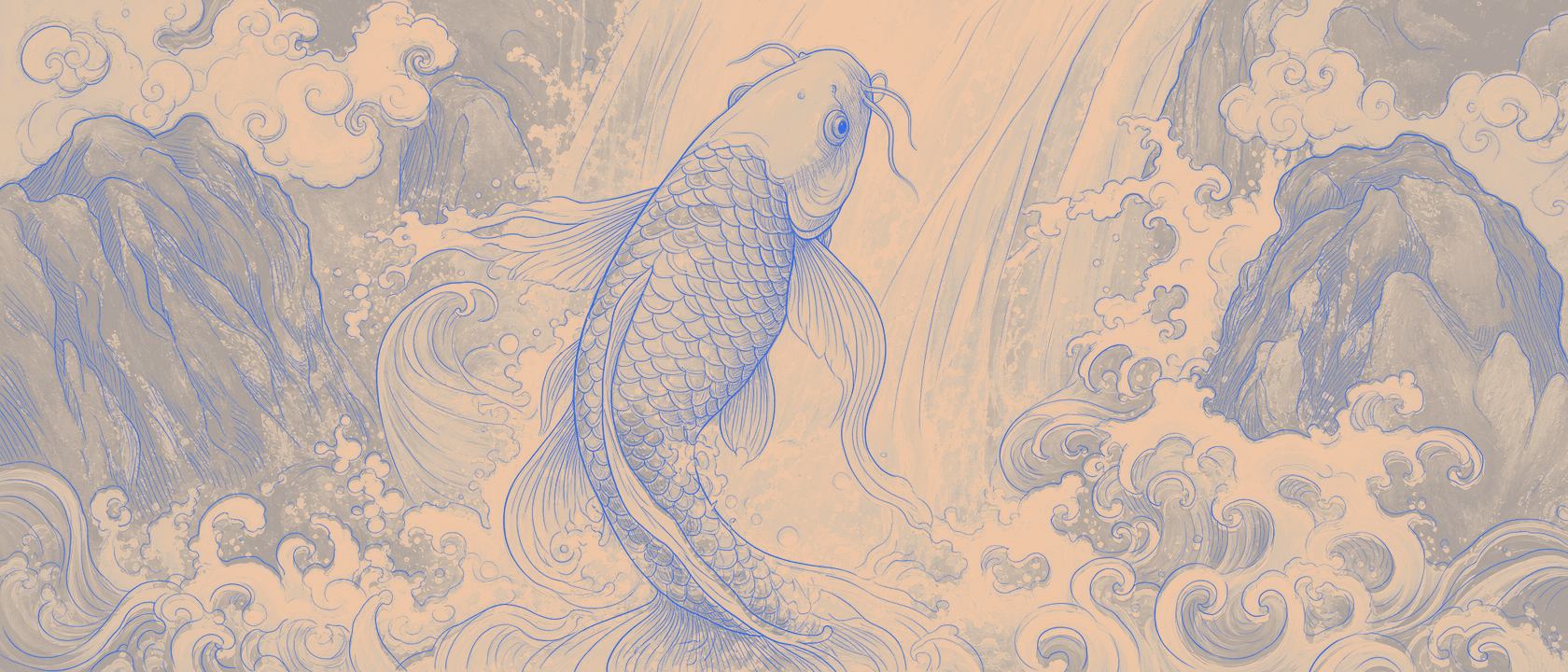
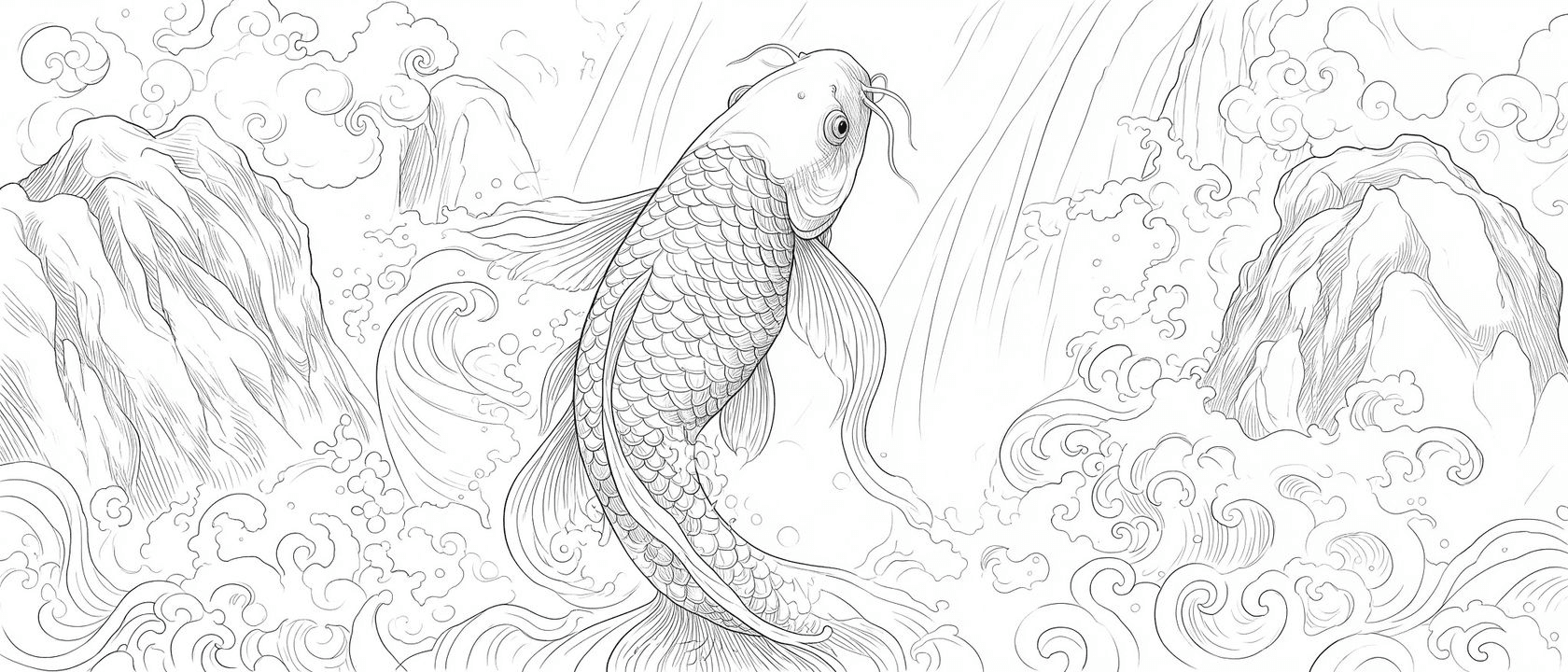
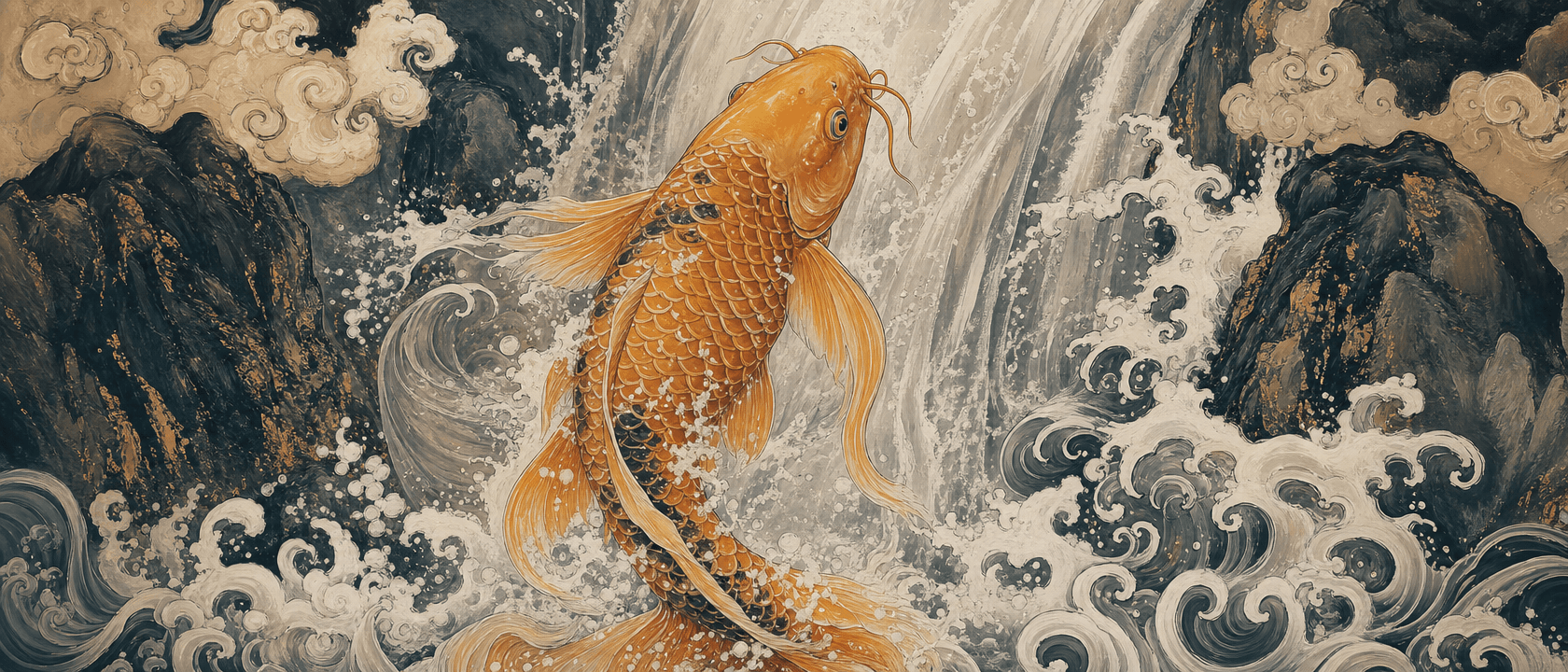
First, a reminder of what the job even is. Drag the handle, or let it sweep, to watch a reference become a transfer-ready stencil with the line weights kept where they belong.
Why every "best app" list is a little bit lying
Two tells give them away.
The first is the self-crowning. When the winner of the comparison is the company that published it, the ranking is marketing, not testing. Nobody grades their own homework and gives themselves a B.
The second is the strawman lineup. Photoshop and GIMP keep showing up as the "runners-up" because they are easy to look better than: they cost money or time, and they were never built for tattooing. Beating them proves nothing about whether an app makes a good stencil. It just pads the list to five.
What almost none of these lists do is put the real apps side by side, because the honest version is harder to write and does not always end with the author on top.
The five things that actually decide a stencil app
Before any names, here is the checklist. Every one of these is something you can test yourself in an afternoon, and together they matter far more than a star rating from the tool being rated.
- Tattoo-trained line quality. A generic photo-to-outline filter and a tool built specifically for tattoo work produce very different results on the same image. Run a portrait and a piece of script through both and the gap is obvious at the machine.
- Line-weight control. Can you set the thickness, or does the tool flatten everything to one weight and hope? This is the single axis most tools skip, and it is the one that decides whether fine-line and bold work both survive. We wrote a whole piece on why line weight makes or breaks a stencil.
- Transfer and thermal readiness. A stencil that looks crisp on a bright screen can print faint and grey on a thermal copier. True blacks and honest contrast are what actually make it onto skin. If you have ever had a stencil ghost out on the transfer, that is where it failed, and why.
- Where it runs. iOS-only means anyone on Android, a Windows desktop, or a studio iPad running something else is locked out. Web means it opens on whatever device is already in your hand.
- Free to start, and free until what. "Free" usually means a few credits, a daily cap, or a watermark. The number that matters is not the price, it is the catch. We broke down the free tiers in detail in the honest free-tool comparison.
Hold every app below up to those five. It settles most arguments.
The real contenders, grouped by what they're actually for
The reason "best app" is a messy question is that these tools are not all doing the same job. Sort them into three buckets and the choice gets clearer.
Purpose-built stencil apps. This is the group most artists actually mean. Tools like Stencil Pro, Stencil AI, Ghostline, and Tattoo Smart convert your art with tattoo output in mind: clean lines, transfer-ready contrast, no background mess. They mostly run freemium or on credit packs, and the honest trade-offs are real. Ghostline has strong word of mouth among working artists and a handy upscale feature, but it is iOS-only and subscription-gated, so a big slice of artists cannot open it at all. Stencil AI leans on a pay-per-credit model that some people find nickel-and-dime. Stencil Pro runs the aggressive blog you probably landed on. None of that makes them bad, it makes them specific, and which one fits depends on your platform and how you like to pay.
AI tattoo design generators. BlackInk AI and similar tools are a different job entirely. They invent new art from a prompt and offer a stencil step as an add-on. That is genuinely useful if you want ideas. It is the wrong tool if you already have a drawing or a client reference, because you do not want new art, you want your art transferred cleanly. Reaching for a design generator to stencil an existing piece is like using a slot machine to make change.
Generic app-store and web "stencil maker" apps. These are the high-volume "turn any photo into a stencil" listings and the big general image sites with a stencil page. Simple onboarding, huge search presence, and quality that varies a lot. The app-store reviews say the quiet part out loud: portrait and fine-line work "fell short." They will hand you a high-contrast outline in seconds, with no transfer workflow and no line-weight control, and no idea they are making a tattoo at all. Fine for a quick look, thin for real client work.
Notice what a fair grouping does that a Top 5 cannot: it tells you a design generator is not a worse stencil app, it is a different tool, and a generic outline maker is not a cheaper Ghostline, it is a lighter promise.

Where Line Ripper fits, and where it doesn't
We are in the first bucket, the purpose-built stencil tools, with a few deliberate choices.
It runs in your browser, on whatever device you are holding, with nothing to install, so there is no iOS wall. It is built on a model we trained specifically for tattoo work, so the lines come out tattoo-aware, not generic-outline. It has a real line-weight slider, so you set the thickness instead of accepting whatever the tool guessed. And it is free to start, so you can put your hardest piece through it before deciding anything. For the exact plan limits, the pricing page is the honest source, and we would rather link it than quote a number that drifts.
Now the part the listicles never include: where it falls short. If you push the weight slider all the way to thin on already-delicate source lines, some of them can fade or drop out. There is a physical floor to how fine a line prints before a thermal printer stops reproducing it, and very light source art does better with the slider nearer the middle. We are working on smarter detection to preserve ultra-fine detail, but it is a hard problem and not fully solved. If your whole style is barely-there micro-realism, test it before you commit a client to it.
That is the difference between a comparison and an ad. An ad has no "where it doesn't."
So which app should you actually pick?
There is no single best tattoo stencil app, only the best one for how you work. Run your own hardest piece through two or three and judge them on the print, not the star rating. As a starting map:
- You want new tattoo ideas generated for you. Reach for an AI design generator. Stenciling is not the job.
- You just need a quick high-contrast outline and do not care about transfer quality. A generic maker is fine, and free.
- You are on iOS, want a polished native app, and do not mind a subscription. Ghostline is a genuine favorite for good reasons.
- You have your own drawing or a client reference and want a clean, transfer-ready stencil with real line-weight control, on whatever device you already have. That is the exact gap we built Line Ripper to fill.
Whichever you choose, the test is the same one that ends every real argument in a shop: put your work through it, print it, and look at what comes off the machine.