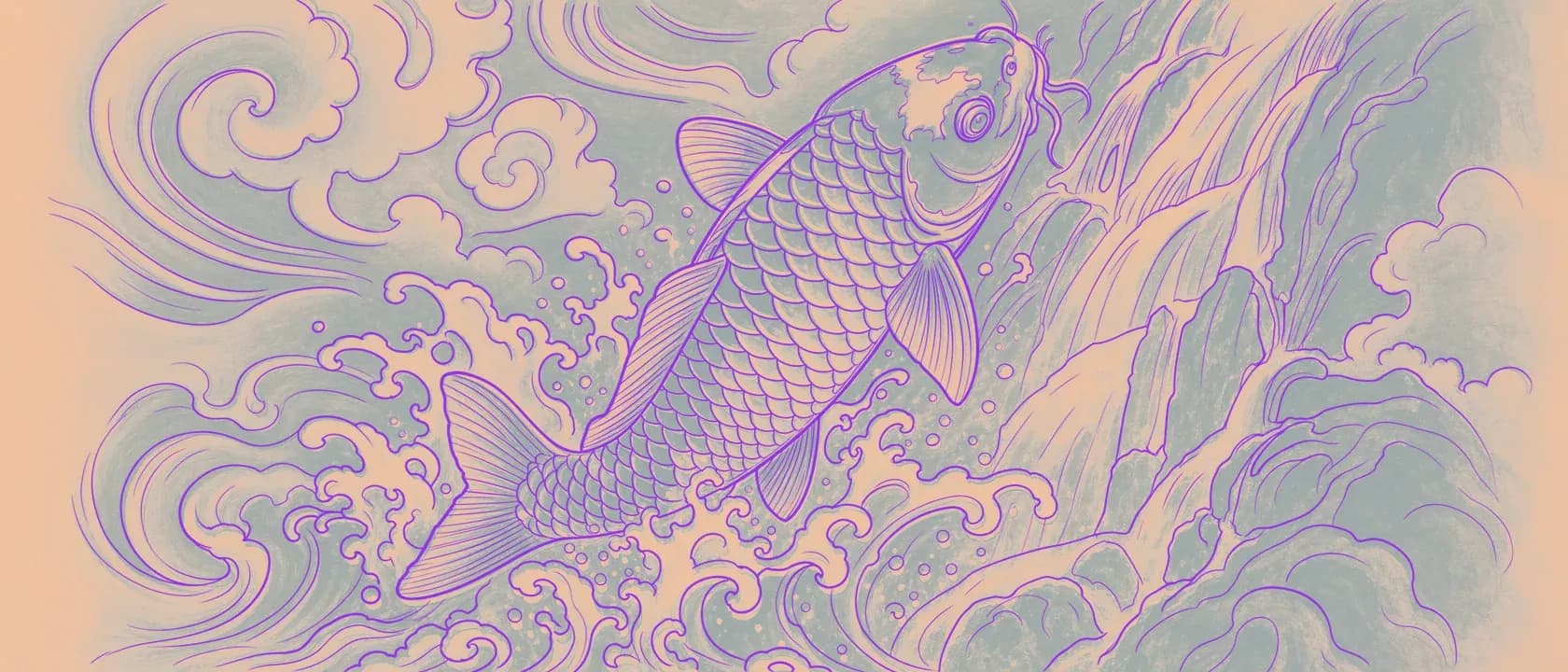
Most tools that turn a picture into an outline don't know what they're making. Feed them a wedding photo, a logo, or your drawing of a panther and they'll run the same filter on all three and hand back the same flat trace. That's fine if you want a flat trace. It's the wrong tool if the trace has to survive a thermal printer and land clean on skin.
Line Ripper was built for one job: converting a tattoo artist's own art into a clean, transfer-ready stencil, on a model we trained specifically for tattoo work. The difference between a picture and a stencil is a lot of small decisions, and Line Ripper knows them. How heavy a line should be. How dark it has to print. Which detail to protect and which to let go.
This is the tour. Everything the tool knows about stencils, and where to read more on each part.
First, a reminder of the actual job. Drag the handle, or let it sweep, to watch a rich reference become a transfer-ready stencil with the weights kept where they belong.
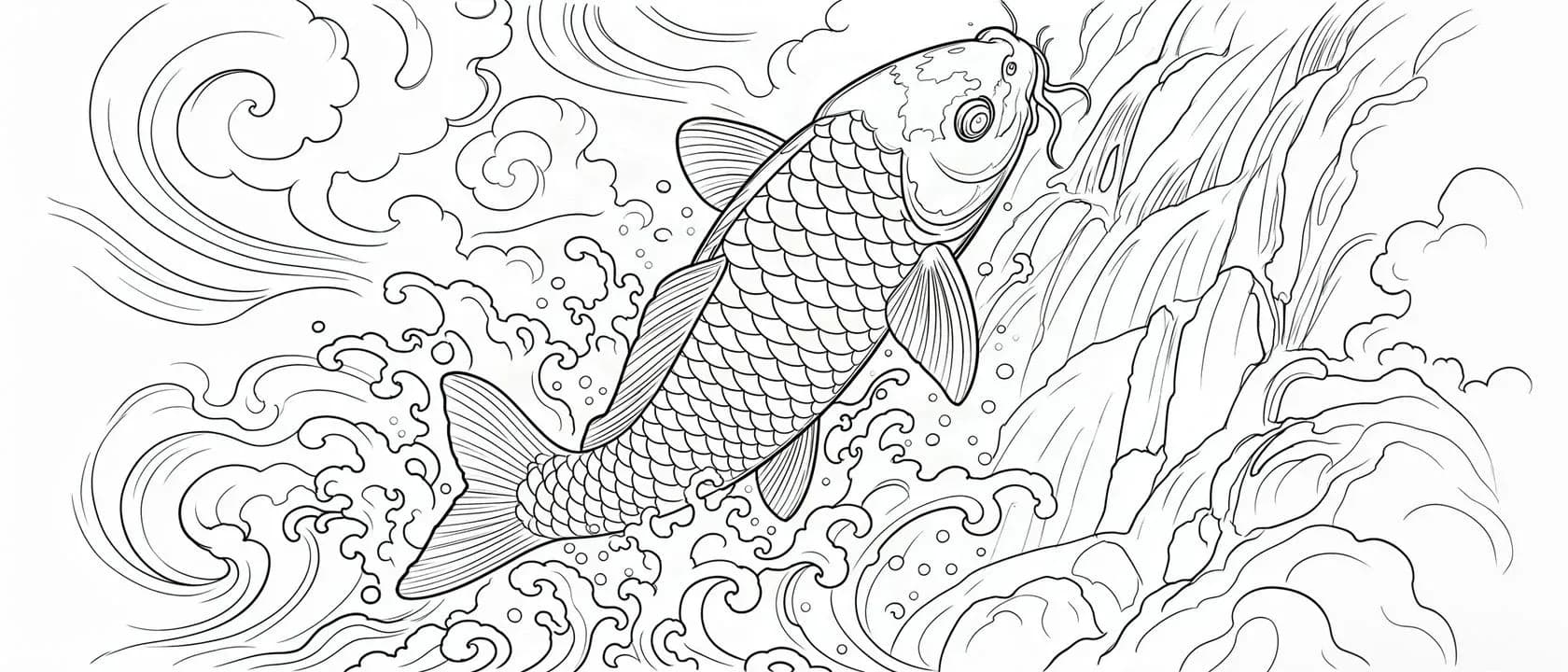
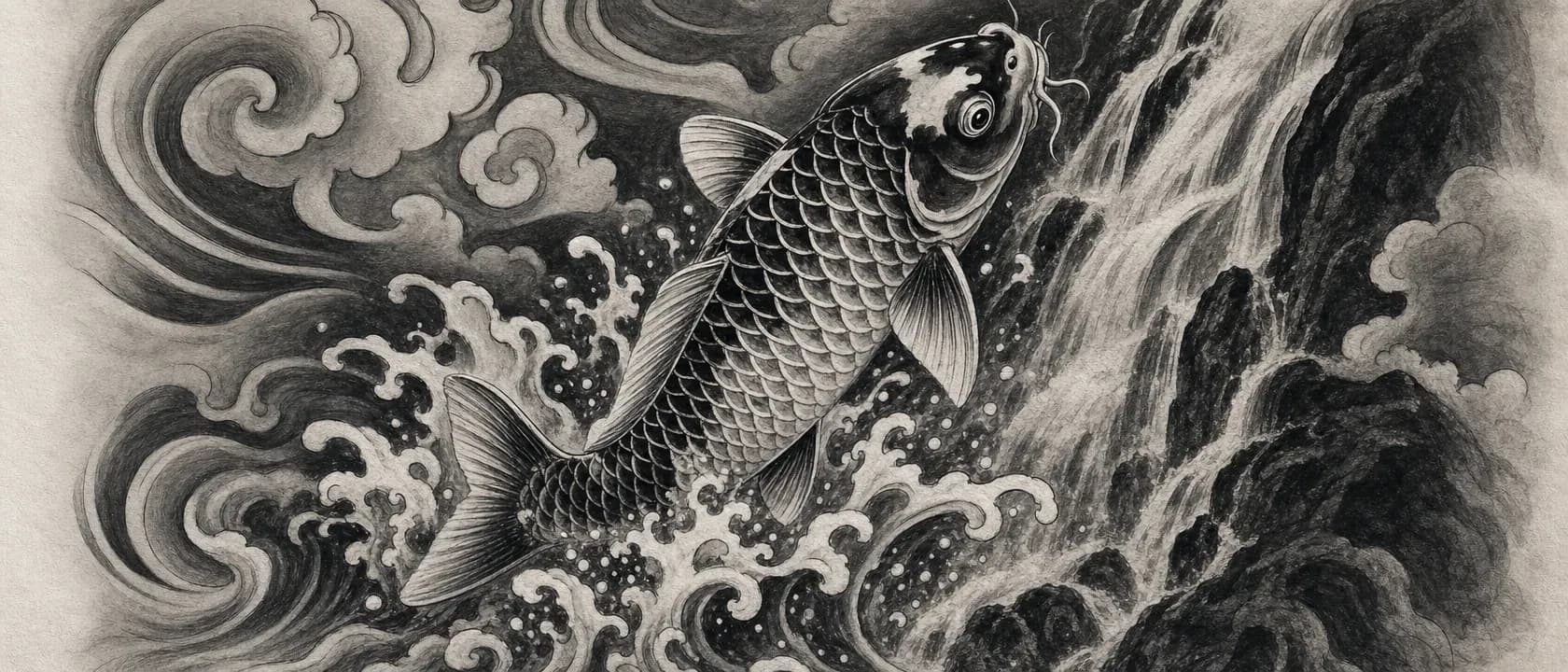
Your art is the point, not the machine's
Line Ripper never invents a tattoo for you. You bring the drawing or the client reference, and it gives your line work back, transfer-ready, in seconds instead of the twenty to sixty minutes hand-tracing burns. That is the entire reason it exists, and it is where the story started: Stop Tracing, Start Creating. If what you want is new art generated from a prompt, that is a different tool for a different day. This one guards the art you already made.
Line weight is not one size
A geometric mandala needs hairline precision. An American traditional eagle needs bold, confident outlines. Script has to match the exact stroke your client picked. Almost every converter flattens all of that to a single thickness and hopes it transfers. You know how that ends: fine lines come out chunky, bold outlines come out thin, and you are back at the redraw.
Line Ripper gives you a slider so you set the weight instead of accepting whatever the tool guessed. It is the one axis most stencil tools skip, and it is the one that decides whether a piece prints the way you drew it. The full argument is in Line Weight Control.
A thermal printer can't read grey
A stencil can look solid black on a bright screen and print faint and broken on a thermal copier. That is not your machine failing. A thermal printer has no grey. It burns solid where the image is dark enough to cross a threshold, and it does nothing where it isn't. We went deep on that physics in why your stencil won't transfer, and it is worth reading if you have ever laid a transfer that ghosted out.
So Line Ripper doesn't leave it to chance. Every stencil gets pushed to true black automatically, while the soft antialiased edges that keep a line looking crisp stay intact, so nothing turns blocky. Dark enough to print, sharp enough to trust. That step is its own post: the true-black stencil.
Fine-line lives or dies at the stencil
Fine-line is where every one of these decisions gets unforgiving. The lines are already at the edge of what a printer can hold, so a converter that averages your weights or loses a hairline to grey doesn't just soften the piece, it deletes it. Holding the weights you drew, line by line, instead of collapsing them to one, is the whole game. We wrote about exactly where fine-line work breaks and how to keep it intact: fine-line tattoos live and die at the stencil.
A stencil is only as good as the reference
None of the above can rescue a file that never had the information in it. A blurry, flat, low-contrast reference gives every downstream control less to work with. Feed the tool clean input and line weight has real edges to thin or thicken, the true-black step has committed darks to amplify, and fine detail survives because it was actually there to begin with. Picking a reference that prints is a skill of its own, and we broke it down in photo to tattoo stencil.
"Free" should mean something honest
Line Ripper is free to start, in your browser, and we are transparent about where the free tier ends. We also did the thing most tools in this category won't: we published honest comparisons that put ourselves in the lineup instead of crowning ourselves automatically. Read the honest free-tool comparison and the app-by-app breakdown, then judge for yourself. For exactly what each tier includes, the pricing page is the source of truth.
Add all of it up and you get a tool that knows every part of the job, not just the outline.

Your work is worth keeping
Rip stencils all week and they add up fast. Line Ripper keeps your generations for you, and if you star the ones that matter, they are protected for good, even when storage gets tight. You shouldn't have to babysit a storage bar or delete old client work to make room. We handle the cleanup so you can keep ripping: rip all day, we'll handle the cleanup.
You're not always at a desk
Line Ripper runs in your browser, on whatever device you are holding, with nothing to install and no app store to wait on. It also speaks Spanish now, because a stencil tool built for working artists should meet them in their language. A native iOS app is in the works, but the web already goes everywhere you do.
The point
None of this is a single clever trick. It is a stack of small things a stencil actually needs, each one handled so you don't have to think about it at the machine. That is what "knows stencils" means: not a filter that happens to make lines, but a tool that understands what the lines are for.
Bring your hardest piece, run it, and judge it on the print. That is still the only test that counts.