Blog
Tips, tutorials, and insights for tattoo artists. Learn how to create better stencils and streamline your workflow.

Line Ripper is now on iPhone and iPad
Our iOS app is live. Make tattoo stencils on your iPhone or iPad, keep working on the web, and use the device that fits your day.
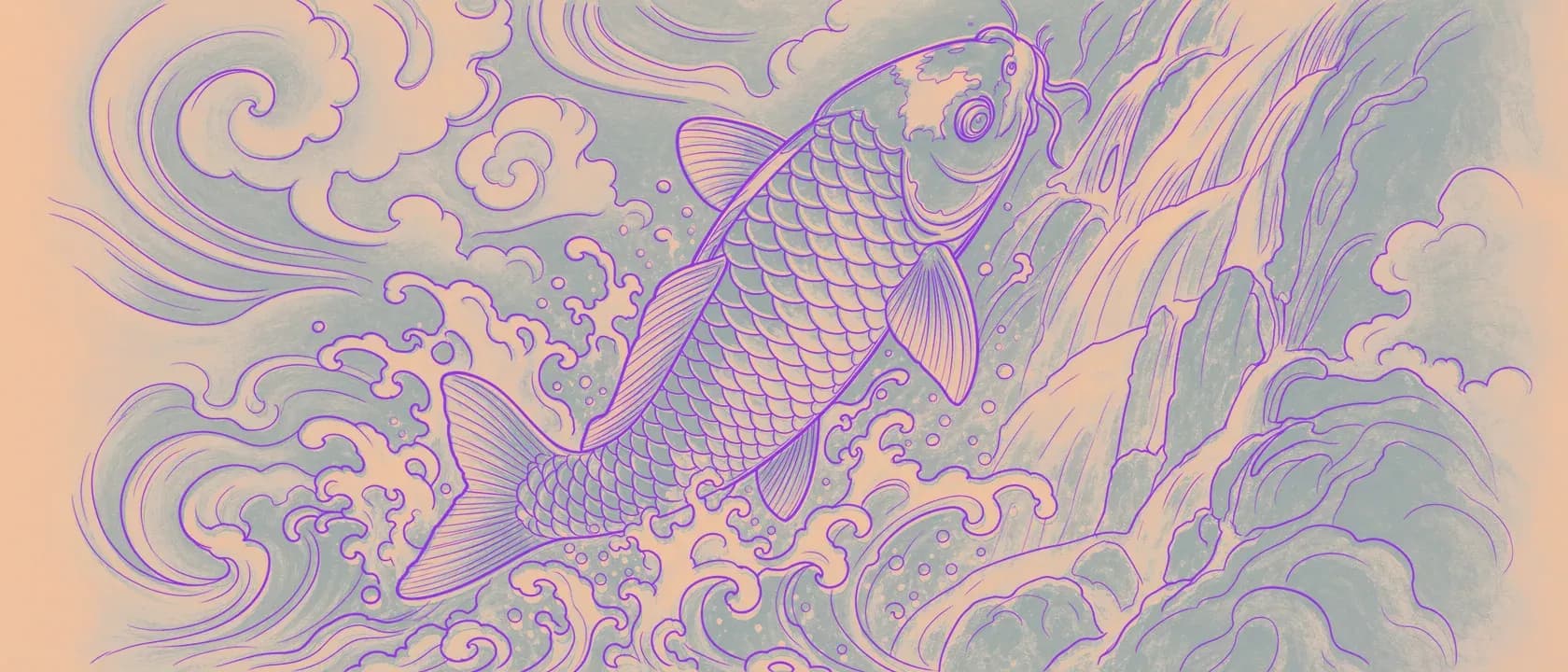
Line Ripper Knows Stencils. Here's Everything It Does.
Most tools that turn a picture into an outline don't know what they're making. Line Ripper was built for one job: your art into a clean, transfer-ready stencil. Here's the full tour, feature by feature, with the deeper reads on each.

Photo to Tattoo Stencil: How to Pick a Reference That Actually Prints
Every stencil tool says the same thing: upload any photo. But the photo you pick decides almost everything about what prints. Here's how to choose a reference that converts to clean, transfer-ready lines, and the afternoon checklist to judge one before you upload.

Line Ripper Is Going Mobile
A native Line Ripper for iPhone and iPad is in the works, and we are closing in. No countdown, no promises we cannot keep. Here is why we are building it and how to be first to hear when it lands.

The Best Tattoo Stencil App in 2026: An Honest, App-by-App Comparison
Search "best tattoo stencil app" and you get listicles that crown whoever wrote them, then pad the list with Photoshop. Here's the app-vs-app comparison nobody in the results will run: the real tools, their real trade-offs, and the five things that actually decide a clean stencil.
Rip All Day. We'll Handle the Cleanup.
You shouldn't have to delete old client work to make room for new stencils. On Pro and Studio, storage now manages itself, and anything you favorite is kept for good. Here's how automatic cleanup works, and how to protect the pieces you never want to lose.
The Lines Looked Black. The Thermal Printer Disagreed.
A line can look solid black on screen and still print faint, because "almost black" and "black" look identical to your eye and completely different to a thermal printer. Here's what we just shipped: every stencil pushed to true black, automatically.

Fine-Line Tattoos Live and Die at the Stencil
Fine-line is the least forgiving style there is, and a generic converter quietly wrecks it before you ever pick up the machine. Here's what a fine-line tattoo stencil actually has to hold, and how to get one that keeps your hairlines intact.

Line Ripper Now Speaks Spanish
Starting June 30, every part of Line Ripper works in Spanish: the Studio, the Gallery, and your whole workflow, not just a translated homepage. Tu arte, a tu manera. Just faster, now en español.

The Best Free Tattoo Stencil Maker in 2026: An Honest Comparison
Most "best free stencil maker" lists are written by the tool that wins them. Here's an honest look at the real tattoo stencil apps, what their free tiers actually give you, and the one feature none of them talk about.
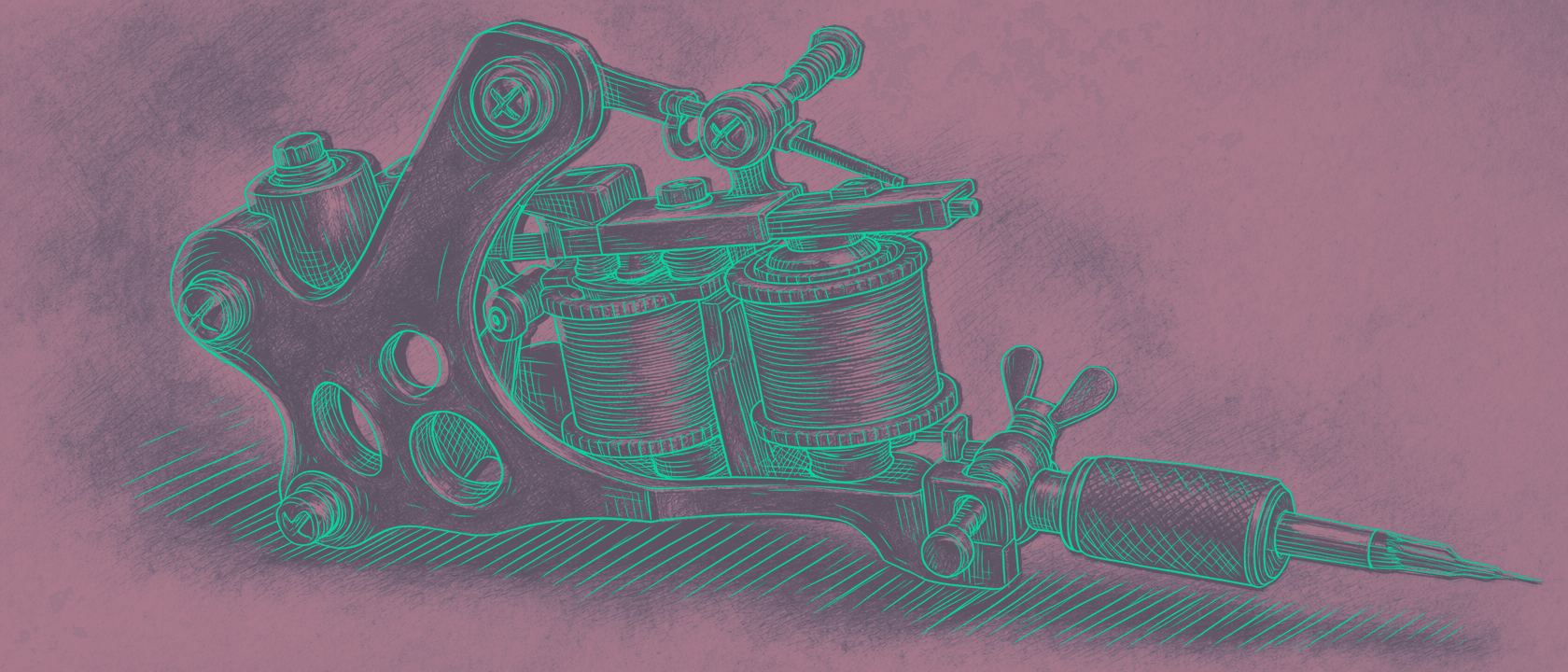
Your Stencil Didn't Fail on the Skin. It Failed in the File.
Search "tattoo stencil won't transfer" and every guide says the same thing: shave, clean, thin gel. All true, all skin-side. But half of transfer failures are baked into the file before the thermal printer ever runs. Here's the half nobody teaches.

Line Weight Control: Because One Size Never Fits All
Fine-line work or bold traditional outlines? Line Ripper gives you full control over stencil thickness. Your vision, your weight, your way.